

- Context Components
- Video and Embeds
Context Components
Video and Embeds
Add a video walkthrough using Video or its Embed alias.
Video supports HTTPS YouTube, Vimeo and Loom links, plus direct HTTPS video
files. Hosted-provider embeds load after the reader selects Play video.
Embed is an alias with the same video contract, not a general-purpose iframe.
Example
<Video src="https://youtu.be/o6DhHvQmygs" title="DocsAlot editor walkthrough" />
The same provider link works with Embed:
<Embed src="https://youtu.be/o6DhHvQmygs" title="DocsAlot editor walkthrough" />
Properties and sources
| Property | Purpose |
|---|---|
src | HTTPS provider URL or direct .mp4, .webm, .ogv, or .ogg URL. |
title | Descriptive video title, also used by the player. |
poster | Optional HTTPS poster image for a direct video file. Provider placeholders use the title instead. |
YouTube watch, short and embed links are normalized to a privacy-enhanced embed.
Vimeo video links and Loom share/embed links are also supported. Direct files use
the browser’s native video controls with preload="none".
Use a public HTTPS URL without embedded credentials or a custom port. Invalid or unsupported sources show Video preview unavailable. A private video may still require the reader to sign in to its provider.
For other media, see images and HTML embeds.
Desktop example
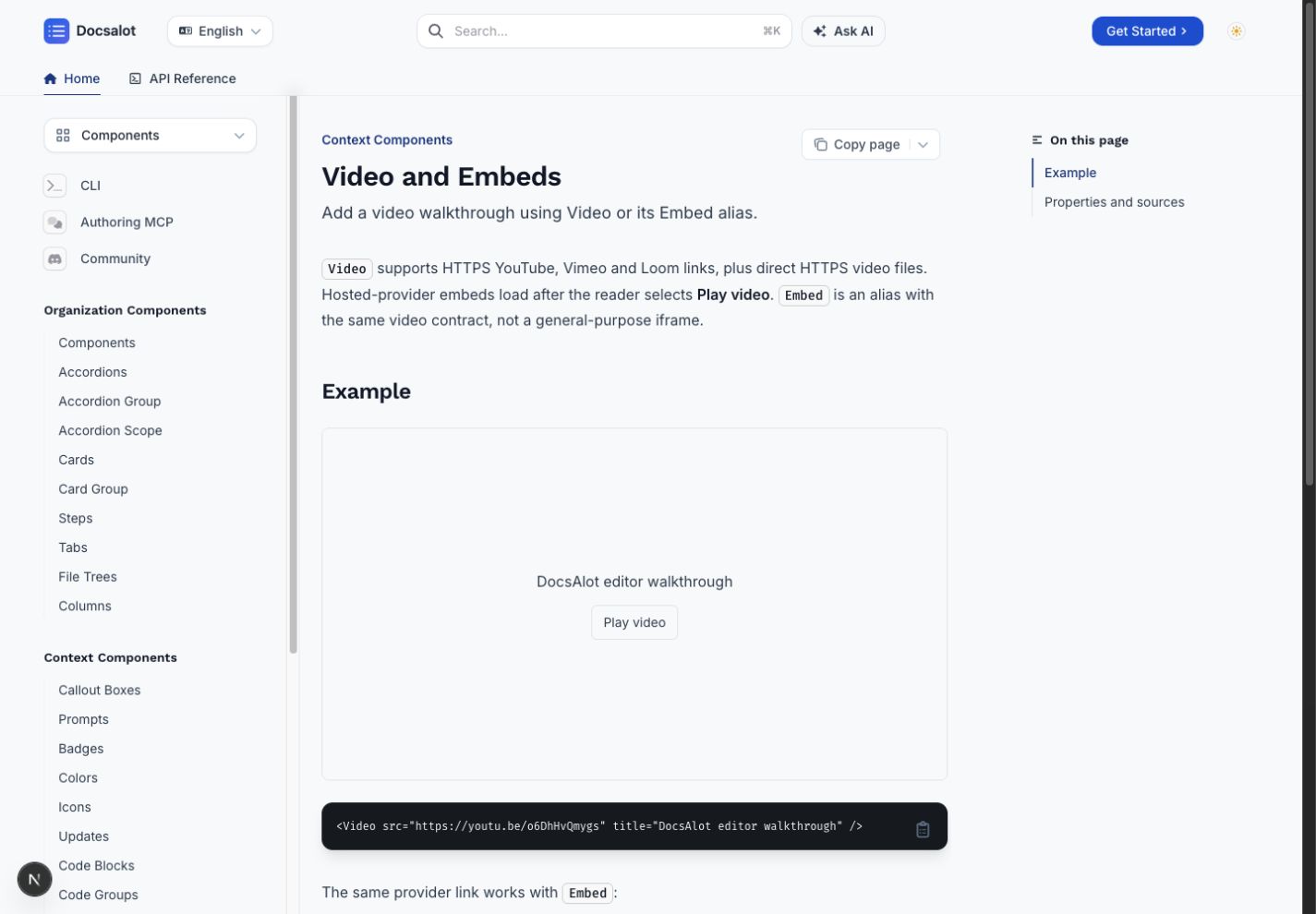
Hosted videos load when the reader chooses to play them.